






Rhody Connect has a new home screen!
We've upgraded your experience with a personalized and customizable home screen. Below are some tips to help you make the most of Rhody Connect!
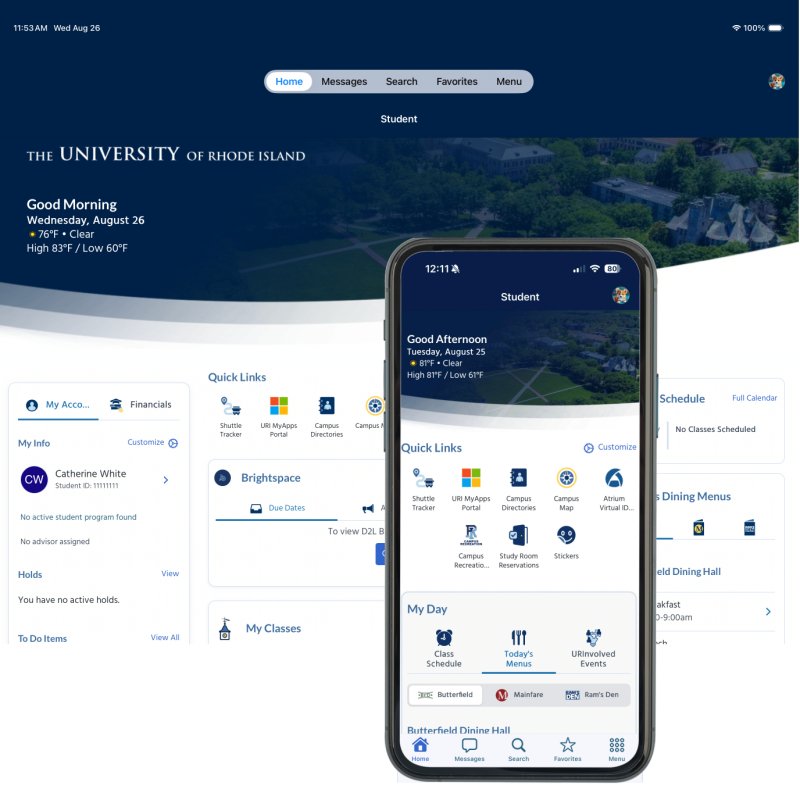
Responsive layout
The page layout now automatically optimizes for your screen size
Sign in for the best experience
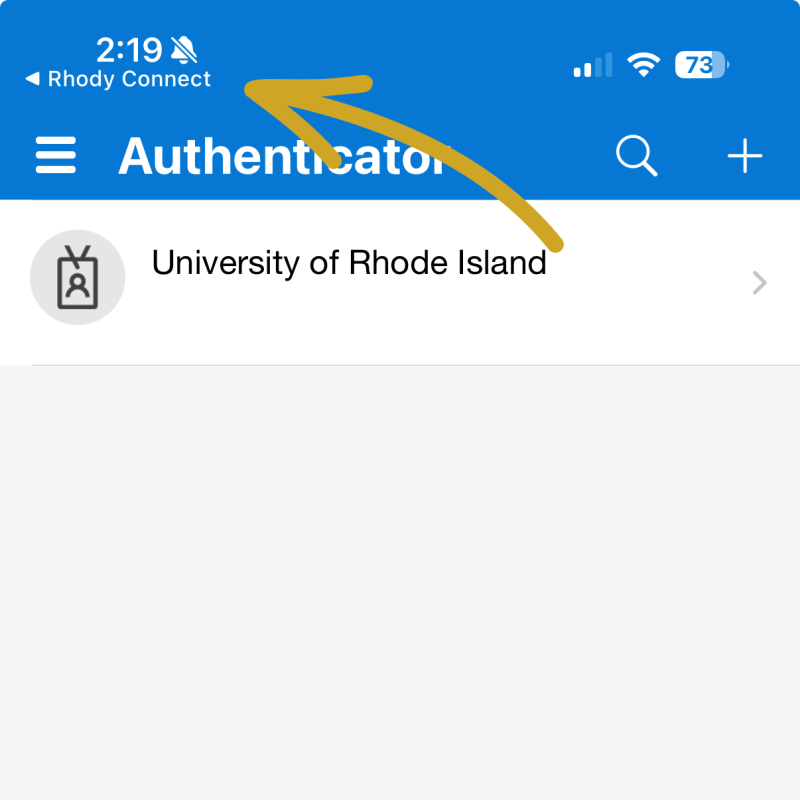
SSO w/MFA is required to view your personal information and to customize the screen. An additional, one-time login is needed to connect to Brightspace. TIP: If the authenticator gets stuck on this screen, tap Rhody Connect to continue.
Customize your profile photo
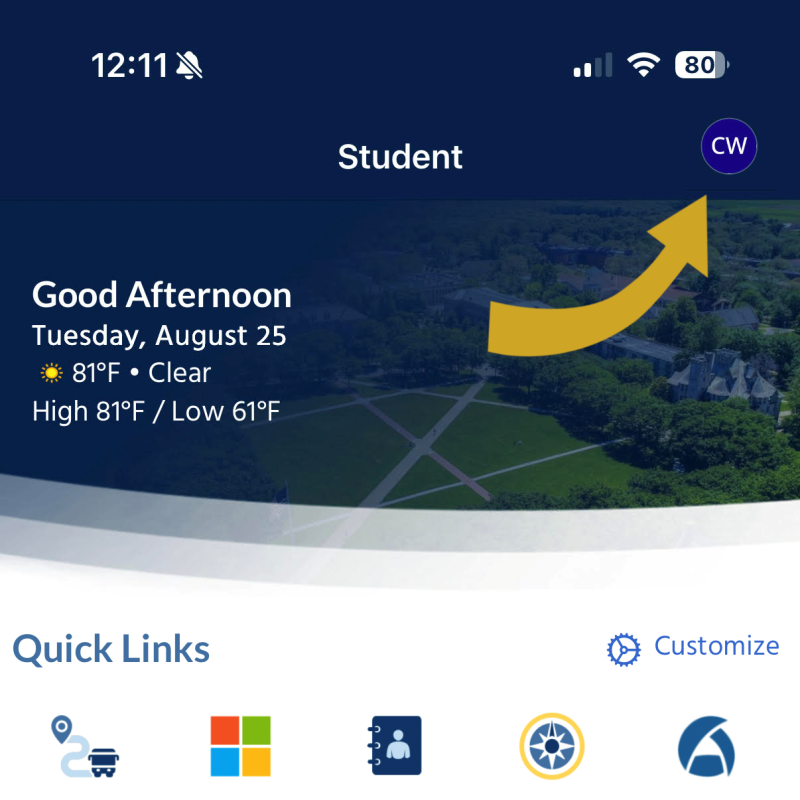
Tap your initials at the top right of the screen, then tap My Profile. Tap Edit my profile and follow the instructions to upload a min. 200px x 200px image. (After updating, you may need to close and reopen the app to see the new photo.)
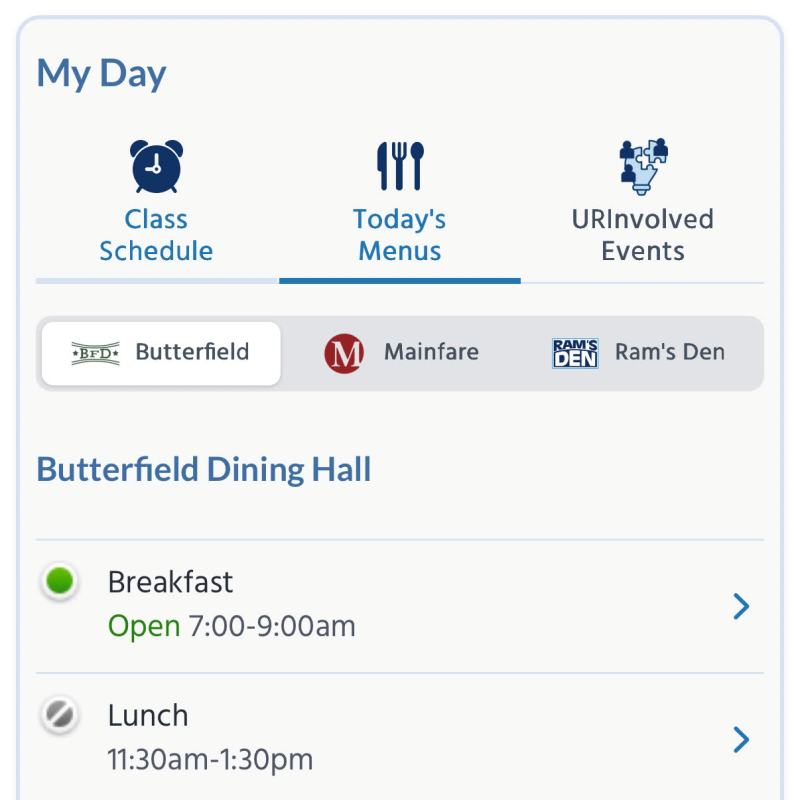
New My Day section
Today's class schedule, dining hall menus and URInvolved events are now displayed front and center.
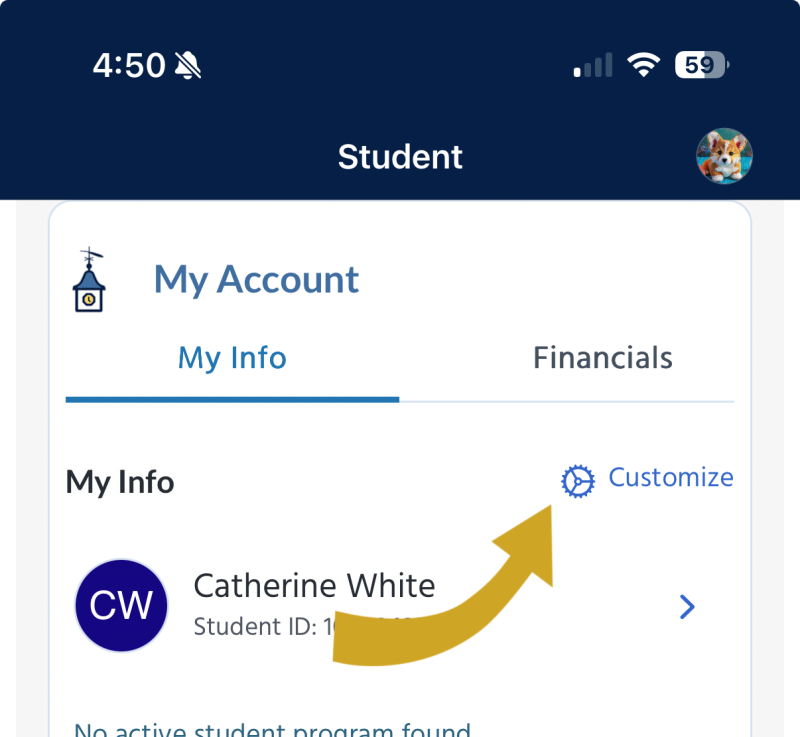
Choose which info to see under My Account
Tap Customize to select which data displays
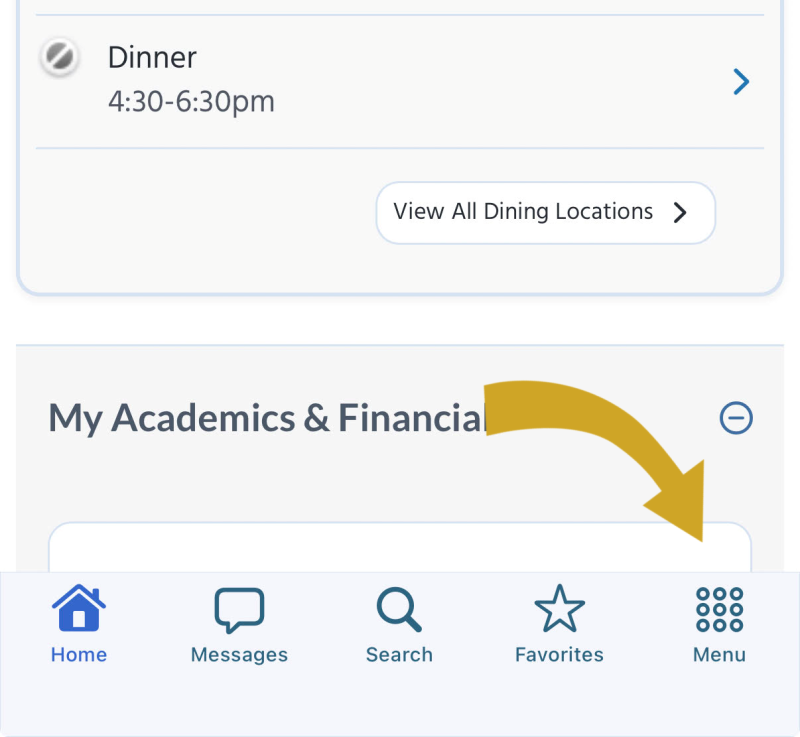
The homepage menu section has moved to its own screen
Tap Menu in the lower right corner to access all of Rhody Connect's features. Don't want to scroll down that page for frequently used links? Add them to My Menu or customize your Quick Links section on the home screen.
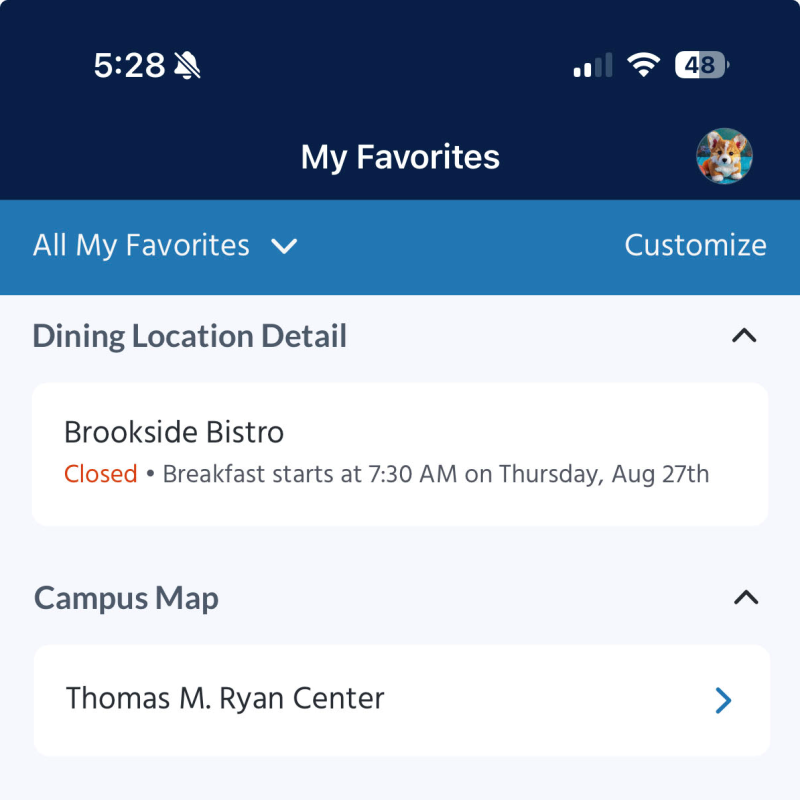
Bookmark people, places, and things on the Favorites page
As always, you can save pages or search results by tapping the stars, then view them all by tapping Favorites in the bottom menu
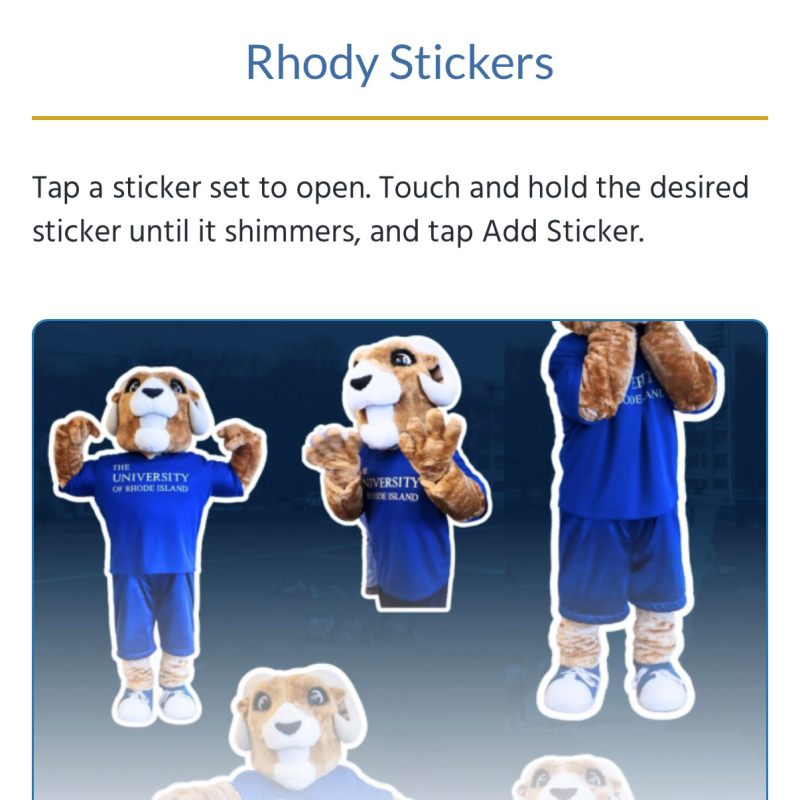
Stickers!
Find them as a Quick Link or on the Menu under Tools & Tech